A Chrome extension puts your tool exactly where people already work – inside Gmail, a CRM, an online store admin or any web page. That is why good extensions get used every day. But extensions also live inside pages you do not control, run under a strict permission model, and must pass Chrome Web Store review before anyone can install them.
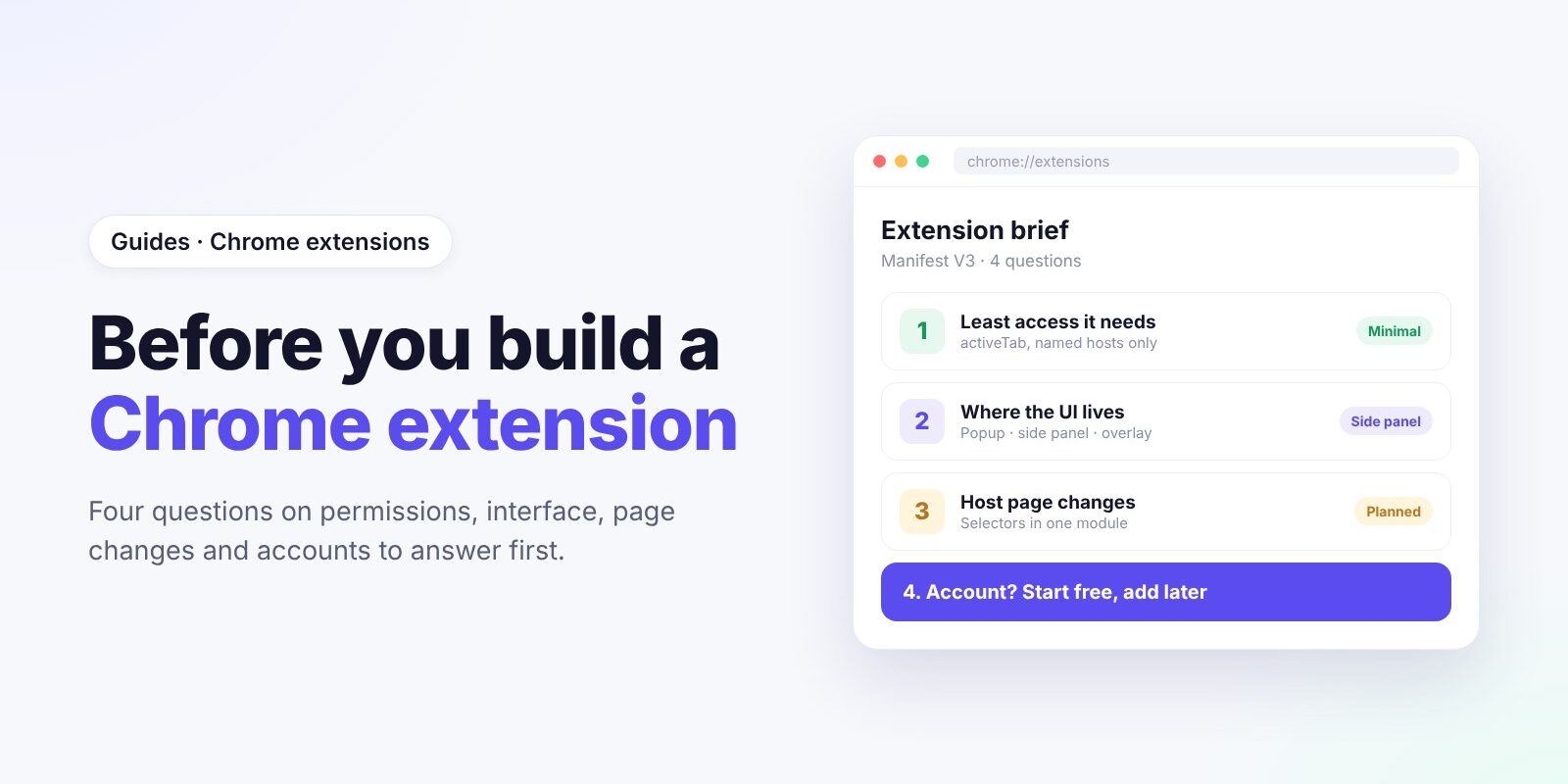
Four questions shape almost every extension project. Answer them before you design a single screen, and you will save weeks of rework and avoid the most common reasons extensions get rejected or abandoned.
1. What is the least access it needs?
Every permission your extension requests is shown to the user at install time and examined during store review. An extension that asks to “read and change all your data on all websites” when it only needs to work on one site will be reviewed more slowly, will scare off cautious users, and may be blocked by company IT policies.
Decide the exact sites and data first:
- Host permissions – list the specific domains (for example
https://mail.google.com/*) instead of all URLs. - activeTab – if the extension only acts when the user clicks it,
activeTabgrants temporary access to the current page without a scary warning. - Optional permissions – request extra access at runtime, only when the user turns on a feature that needs it.
- Data handling – know what you read, what you store and what you send to a server. The store requires a privacy policy and accurate data-use disclosures.
Least privilege is also a security decision. The less your extension can touch, the less damage a bug, a compromised dependency or a hijacked update can do.
2. Where does the interface live?
Chrome offers several places to put your interface, and each has different strengths and limits. Choose before designing, because moving later often means rebuilding.
| Surface | Best for | Watch out for |
|---|---|---|
| Popup | Quick actions: save this page, look up a contact, toggle a setting | Closes as soon as the user clicks away, so state must be saved constantly |
| Side panel | Tools people keep open while they work: notes, CRM sidebar, AI assistant | Takes screen space; must handle the user switching tabs |
| In-page overlay (content script) | Features tied to what is on screen: buttons inside Gmail, highlights, inline data | Most fragile – depends on the host page’s HTML and styles |
| Options page | Settings, account connection, onboarding | Users rarely visit it, so keep defaults sensible |
| Context menu | Right-click actions on selected text, links or images | Hard to discover without onboarding |
Many successful extensions combine two: a side panel for the main experience and a small in-page button that opens it at the right moment.
3. What happens when the host page changes?
If your extension reads from or adds to another company’s web app, that app will change without warning. A class name gets renamed, a layout is redesigned, a button moves – and your extension breaks on a Tuesday morning for every user at once.
Plan for it from day one:
- Isolate page-specific code. Keep every selector and every assumption about the host page in one module, so a fix is a one-file change.
- Prefer stable hooks. ARIA labels, data attributes and URLs change less often than generated CSS class names.
- Use official APIs where they exist. Reading Gmail data through the Gmail API is far more reliable than scraping the page.
- Fail gracefully. If an element is not found, hide your feature and log it rather than throwing errors at the user.
- Monitor and ship fast. Add basic error reporting, and be ready to publish an update quickly – store review can take from hours to several days.
4. Does it need an account?
Sign-in, sync across devices and billing turn a small extension into a product with a back end. That is completely fine, but it is a different budget and timeline, and better known at the start.
Without an account, an extension can store settings locally with chrome.storage, sync small amounts of data through the user’s Chrome profile, and talk directly to services the user is already logged into. With an account, you also need:
- an authentication flow (often OAuth with Google or your own app),
- a server and database to store user data securely,
- billing and subscription management if it is paid,
- support, account deletion and data-export processes.
A practical approach is to launch a useful free version with no account, prove that people install and keep it, then add accounts for the features that genuinely need them.
Other things to know before you start
- Manifest V3 is required. New extensions use Manifest V3, with background service workers that start and stop on demand. Long-running background logic needs to be designed around that.
- Remote code is not allowed. All logic must ship inside the extension package; you cannot load and run scripts from your server.
- Store listing matters. Clear screenshots, a short video and an honest description of permissions improve both approval and install rates.
- Enterprise deployment. If you sell to companies, admins can force-install extensions through Google Admin – a strong distribution channel if your permissions are reasonable.
A one-page brief to write first
Before contacting a developer, answer these in a single page:
- Which sites does it run on, and what does it read or change there?
- Where does the main interface live – popup, side panel or inside the page?
- What does it store, where, and does it send anything to a server?
- Does the user need an account? Is it free or paid?
- What is the one action that must feel effortless on day one?
That brief is enough to get an accurate estimate and to spot problems before they become expensive.
Frequently asked questions
How long does it take to build a Chrome extension?
A focused extension with no account can take one to three weeks. Add a back end, sign-in and billing and it becomes a product project of several weeks or months.
How long does Chrome Web Store review take?
Often a day or two, but extensions with broad permissions or sensitive data can take longer. Requesting minimal permissions is the most reliable way to keep reviews quick.
Can an extension work in Edge and other browsers?
Yes. Microsoft Edge, Brave and Opera run Chrome extensions with little or no change, and Firefox supports most of the same APIs.
Planning an extension?
If you have an idea for a Chrome extension – a CRM sidebar, a Gmail helper or an internal tool for your team – tell us what it should do. We will help you answer these four questions and scope the smallest version worth building.