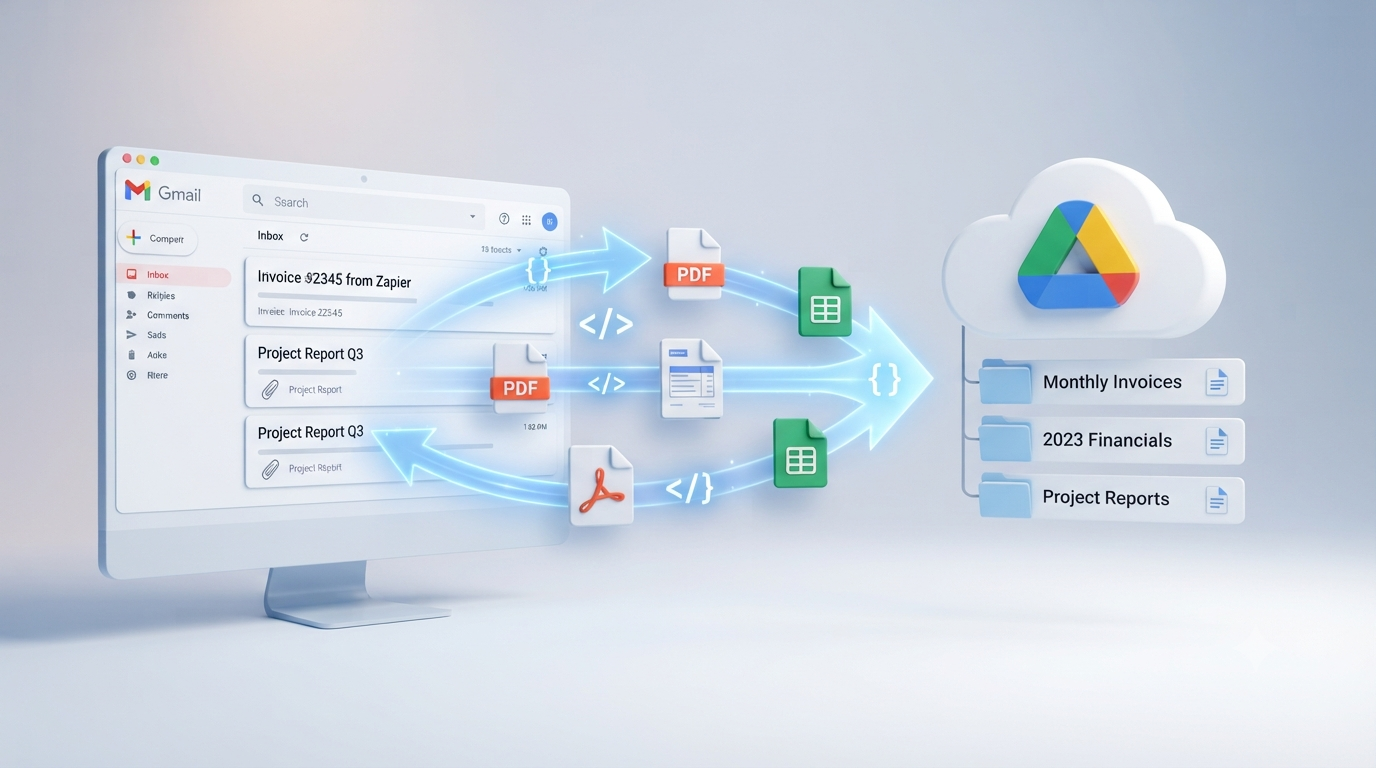
Invoices, signed forms and reports arrive as email attachments and then have to be found again. This script files them for you: every hour it saves the attachments of the emails you choose into a Google Drive folder, sorted by month.
What the script does
- Finds emails with the same search words you would type into the Gmail search box.
- Saves each attachment into a “Gmail attachments” folder in Drive, in a sub-folder for the month, with the date in front of the file name.
- Labels the conversation SavedToDrive, so an attachment is never saved twice.
- Leaves out images that are only part of the email text, such as logos in signatures.
The code and how to set it up
Gmail attachments to Google Drive
Saves the attachments of the emails you choose into a Drive folder, one sub-folder per month, and labels each email so nothing is saved twice.
/**
 * Gmail attachments -> Google Drive
 * Saves the attachments of matching emails into a Drive folder, one sub-folder per month,
 * and labels each conversation so it is never saved twice.
 *
 * Set-up (once):
 * 1. Change SEARCH to the emails you want (same words as the Gmail search box).
 * 2. Run install() once and approve the permissions. It then runs every hour.
 */
const SEARCH = 'has:attachment newer_than:7d'; // for example: 'from:billing@supplier.com filename:pdf'
const FOLDER_NAME = 'Gmail attachments';
const DONE_LABEL = 'SavedToDrive';

/** Run once: saves what is there now, then checks every hour. */
function install() {
  ScriptApp.getProjectTriggers().forEach(function (t) { ScriptApp.deleteTrigger(t); });
  ScriptApp.newTrigger('saveAttachments').timeBased().everyHours(1).create();
  saveAttachments();
}

function saveAttachments() {
  const zone = Session.getScriptTimeZone();
  const label = GmailApp.getUserLabelByName(DONE_LABEL) || GmailApp.createLabel(DONE_LABEL);
  const root = subFolder(DriveApp.getRootFolder(), FOLDER_NAME);
  const threads = GmailApp.search(SEARCH + ' -label:' + DONE_LABEL, 0, 30); // 30 conversations per run
  threads.forEach(function (thread) {
    thread.getMessages().forEach(function (message) {
      const day = Utilities.formatDate(message.getDate(), zone, 'yyyy-MM-dd');
      const month = subFolder(root, day.slice(0, 7));
      message.getAttachments({ includeInlineImages: false }).forEach(function (file) {
        month.createFile(file.copyBlob()).setName(day + ' ' + file.getName());
      });
    });
    thread.addLabel(label);
  });
}

function subFolder(parent, name) {
  const found = parent.getFoldersByName(name);
  return found.hasNext() ? found.next() : parent.createFolder(name);
}- Go to script.google.com, start a new project and paste the code over what is there.
- Change SEARCH to the emails you want, using the same words as the Gmail search box.
- Run the install function once and approve the permissions. It then runs every hour.
Good to know
- It handles 30 conversations per run, which keeps it well inside Google’s time limits. A large backlog is cleared over a few hours.
- A conversation is labelled once: an attachment that arrives later in the same conversation is not picked up, so keep the search specific.
- To file by sender or client instead of by month, change the folder name inside saveAttachments.
- Everything runs inside your own Google account. Nothing is sent to us.
Want it adapted?
We write Apps Script for businesses that run on Google Workspace. If you need other columns, another trigger or a different tool at the other end, tell us what the script should do.