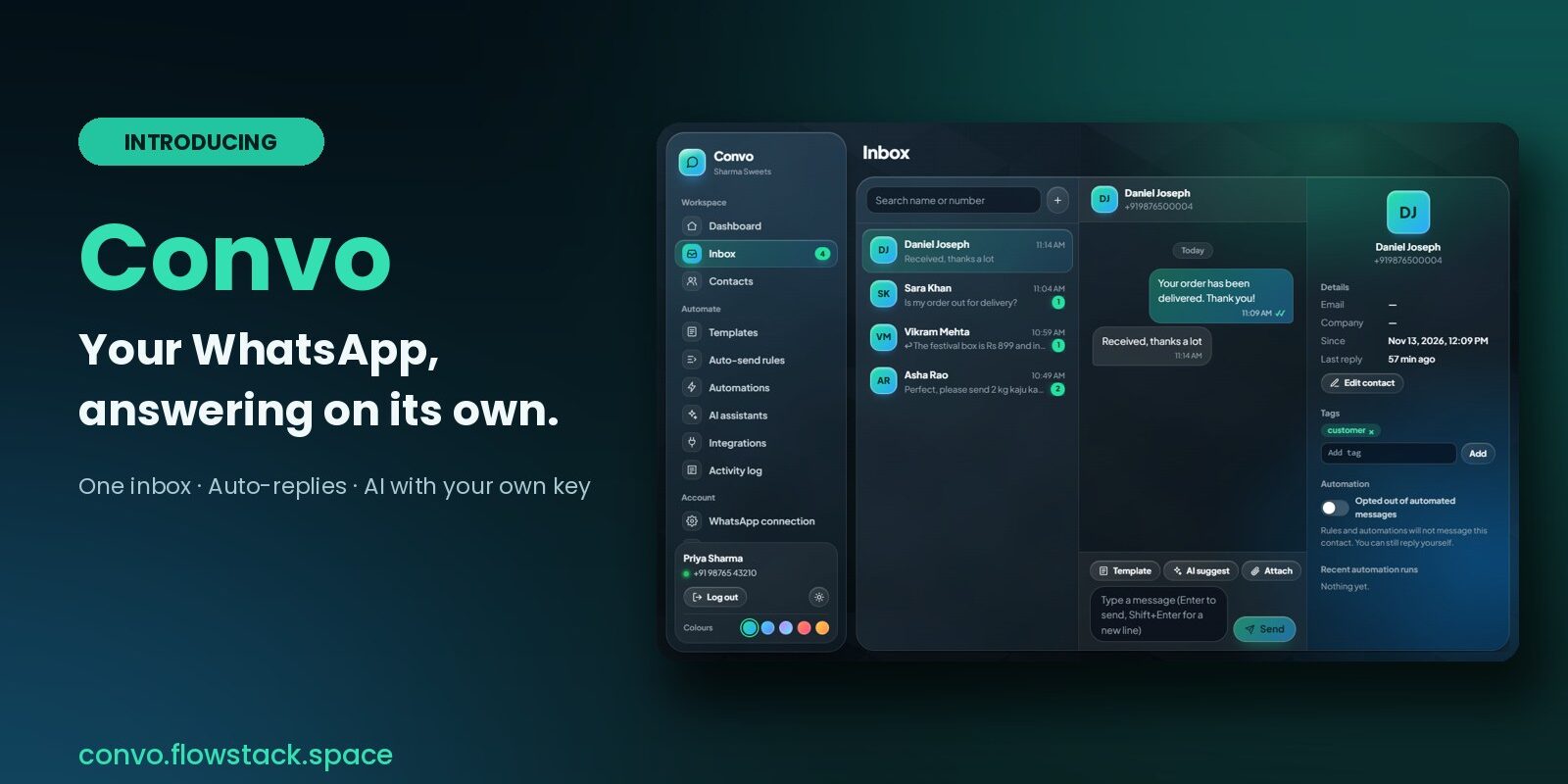
WhatsApp is where your customers already are. They ask about prices, delivery times and opening hours there, often late at night and usually expecting a quick answer. For a growing business, keeping up with every chat by hand turns into a second full-time job. Convo fixes that with smart WhatsApp Business automation and an AI chatbot.
Convo connects to your own WhatsApp Business number and turns it into a shared, intelligent workspace: one inbox for every conversation, automatic replies that run on rules you set, and AI that answers customers using the model you choose. You keep your number, you own your data, and you decide how much runs on autopilot.
Why businesses need more than the WhatsApp app
The standard WhatsApp Business app works well for a few chats a day. It struggles once you have more customers than you can personally keep up with:
- Messages arrive after hours, and customers wait until morning for a simple answer.
- The same questions repeat (“What’s the price?”, “Do you deliver on Sunday?”) and take up hours every week.
- Leads go cold because nobody followed up after a customer stopped replying.
- Your team can’t see the activity. Nobody knows how many messages came in, what was answered, or what failed.
Convo is built to solve these problems without forcing you onto a new number or a closed platform.
What Convo gives you: WhatsApp Business automation in one place
| Feature | What it does for you |
|---|---|
| Unified inbox | Every WhatsApp conversation in one screen. Reply with text, saved templates, files, or an AI-written suggestion. |
| Automatic contacts | Everyone who messages you is saved with their WhatsApp name and number, ready to tag and filter. |
| Auto-send rules | Greet new contacts, reply outside office hours, and follow up after silence, all without you doing anything. |
| Automations | Chain actions together: reply, tag, email, post to Slack, or call a webhook when a message arrives. |
| AI replies | Connect your own OpenAI (GPT), Anthropic (Claude) or Google (Gemini) key and let AI answer customers. |
| Alerts & integrations | Gmail, SMTP, Slack and webhooks (Zapier, Make, n8n) keep your team and tools in sync. |
Getting started takes minutes
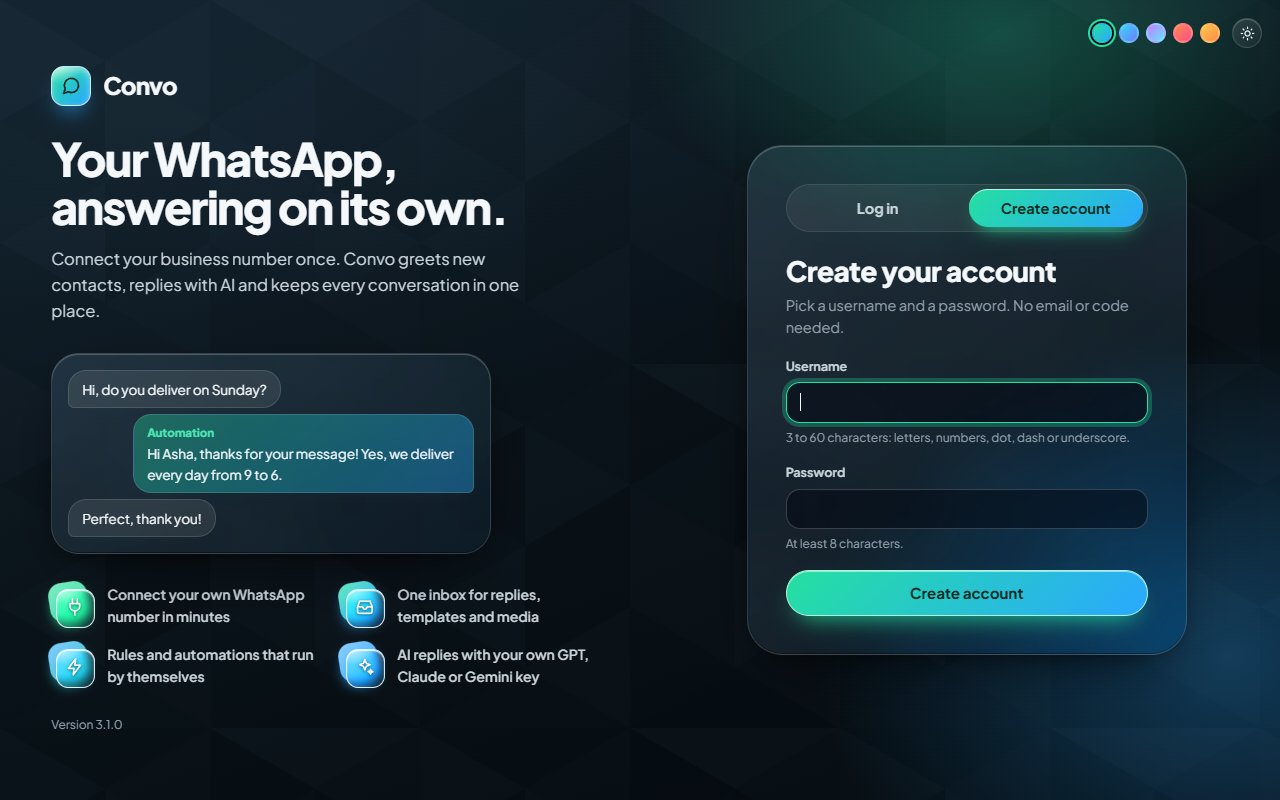
Sign-up is simple. Choose a username and a password and you’re in. You don’t need an email address or an OTP.
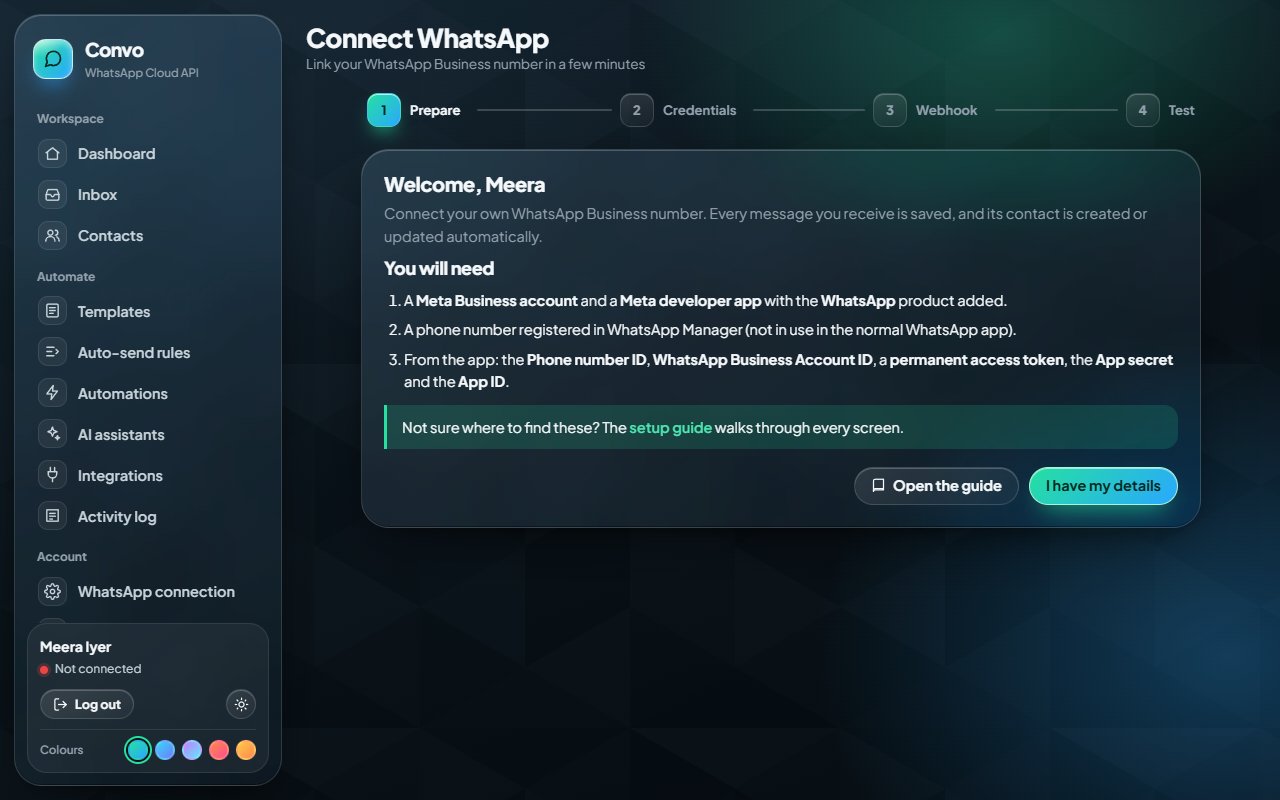
Next, Convo guides you through connecting your WhatsApp Business number with the official WhatsApp Cloud API from Meta. A four-step wizard (Prepare, Credentials, Webhook, Test) checks your details, sets up message delivery for you, and sends a test message so you can confirm everything works.
Pro tip: Use a permanent System User token from Meta Business Settings, not the temporary token on the API Setup page. The temporary one expires after 24 hours.
A dashboard that shows how your WhatsApp is doing
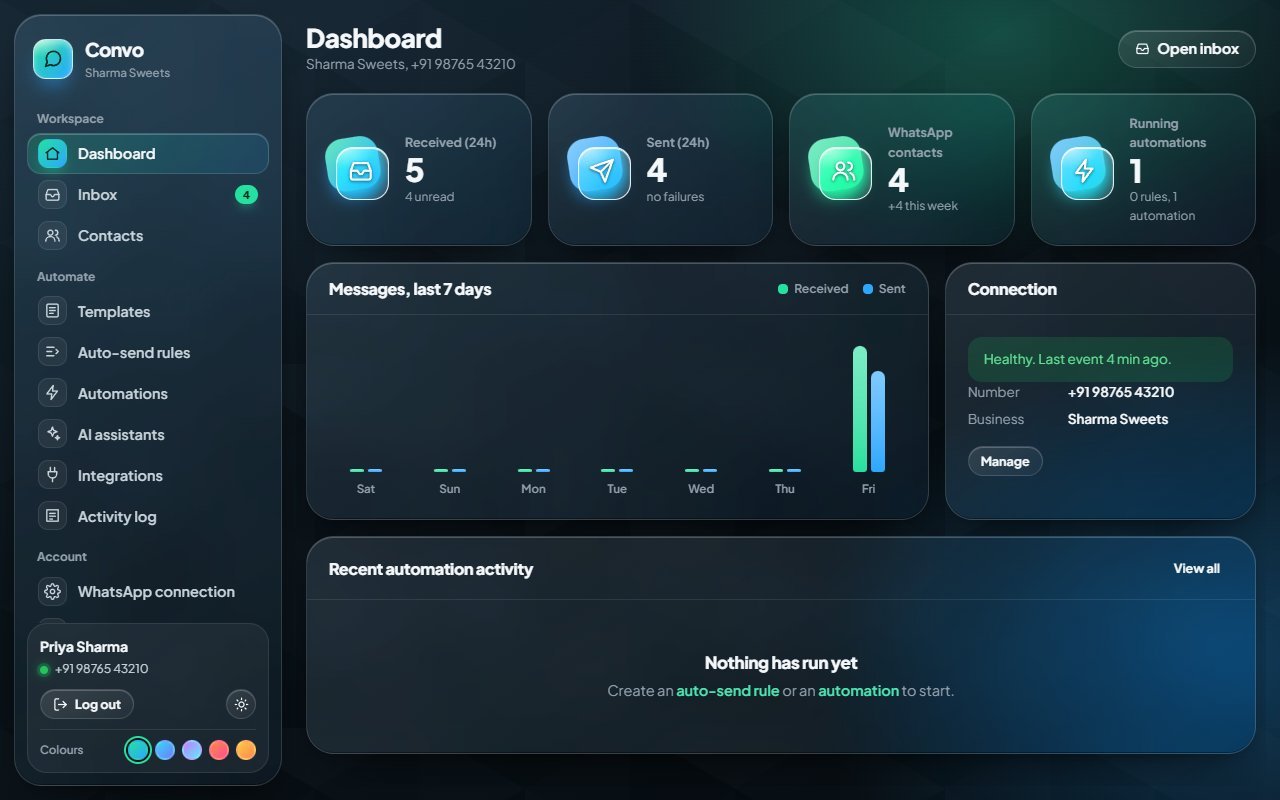
Once you’re connected, the dashboard becomes your home screen. It shows messages received and sent in the last 24 hours, your contact count, running automations, a 7-day message chart, and a live connection health indicator. You’ll know right away if incoming messages stop arriving.
A shared WhatsApp inbox built for fast, personal replies
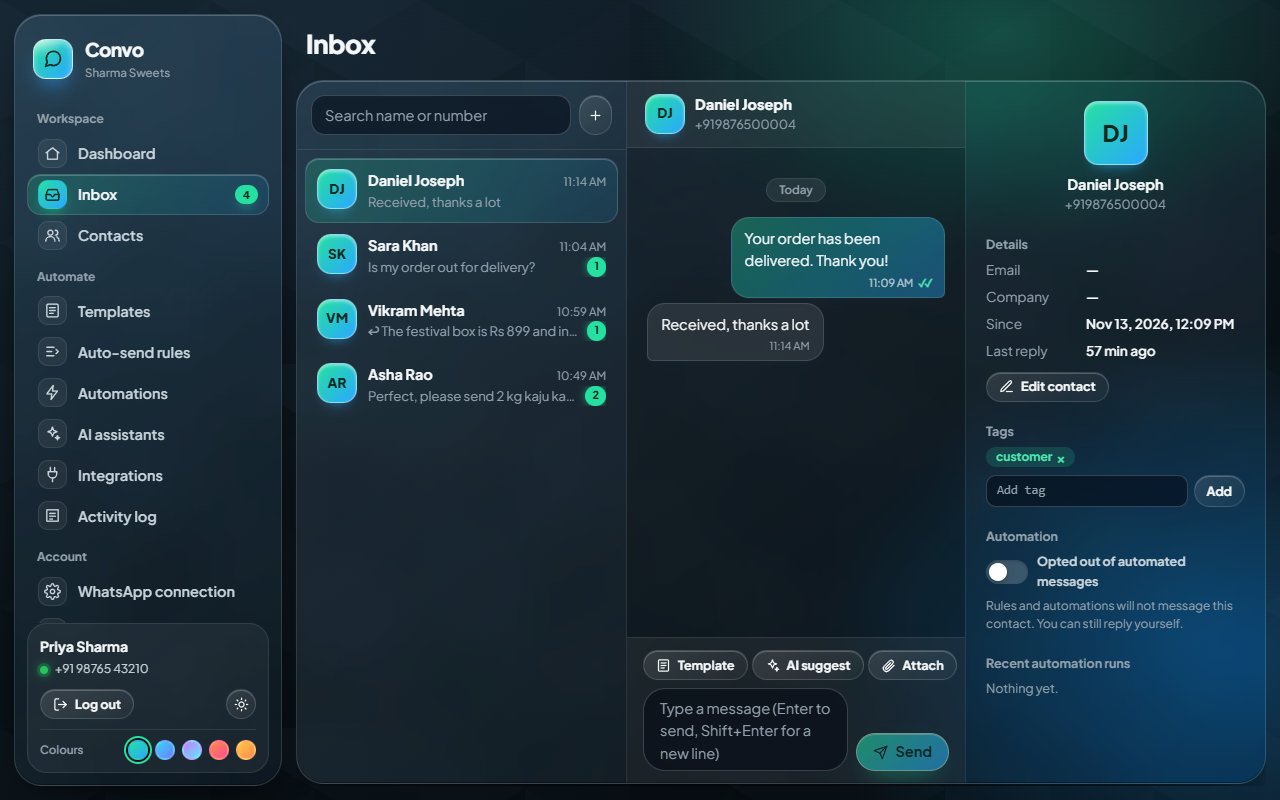
The inbox has three panels: conversations on the left, the chat in the middle, and the contact’s details on the right. From the reply box you can:
- Template: send an approved template or a saved quick reply.
- AI suggest: have your AI assistant draft a reply that you can edit before sending.
- Attach: send pictures, documents, audio or video up to 16 MB.
Ticks show whether each message was sent, delivered or read, and failed messages show the reason. If a contact shouldn’t receive automated messages, switch on Opted out of automated messages. You can still reply to them yourself.
Contacts that organise themselves
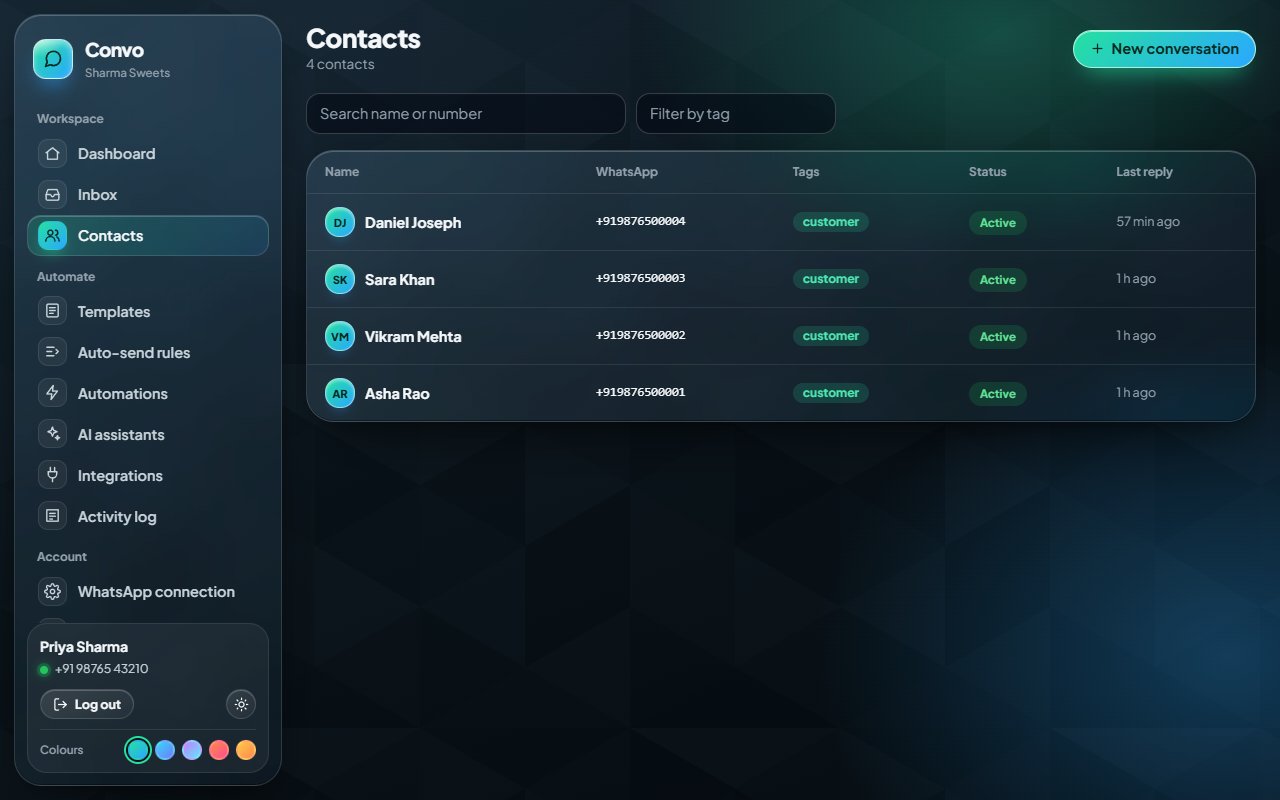
Every new sender becomes a contact automatically, named after their WhatsApp profile. Add tags such as customer or vip, edit details such as email and company, and use those tags as conditions in your rules and automations.
Templates and WhatsApp’s 24-hour rule
WhatsApp lets businesses send free-form messages only within 24 hours of the customer’s last message. Outside that window, or when you message someone for the first time, you need a template approved by Meta. Convo handles both cases:
- Message templates start conversations or re-engage customers after the window closes. You can personalise them with variables such as
{{contact.first_name}}and submit them to Meta directly from Convo. - Quick replies are ready immediately for the answers you type most often.
- Sync from Meta imports templates you’ve already created in WhatsApp Manager.
Auto-send rules: replies that go out on their own
Rules send a template automatically when your conditions are met. Convo includes ready-made rules for the most common situations:
| Ready-made rule | When it fires |
|---|---|
| Welcome new contacts | The first time someone messages you. |
| Follow up after 2 hours of silence | The contact hasn’t replied 2 hours after your message. |
| Out-of-hours reply | Outside 9:00–18:00 or at weekends, at most once every 12 hours. |
| Keyword reply | The message contains a word such as “price”. |
| Sorry for the wait | You haven’t answered a contact within 1 hour. |
Safeguards such as max sends per contact, cooldown hours and priority keep customers from getting the same message twice. Test against a contact shows which conditions pass before anything is sent.
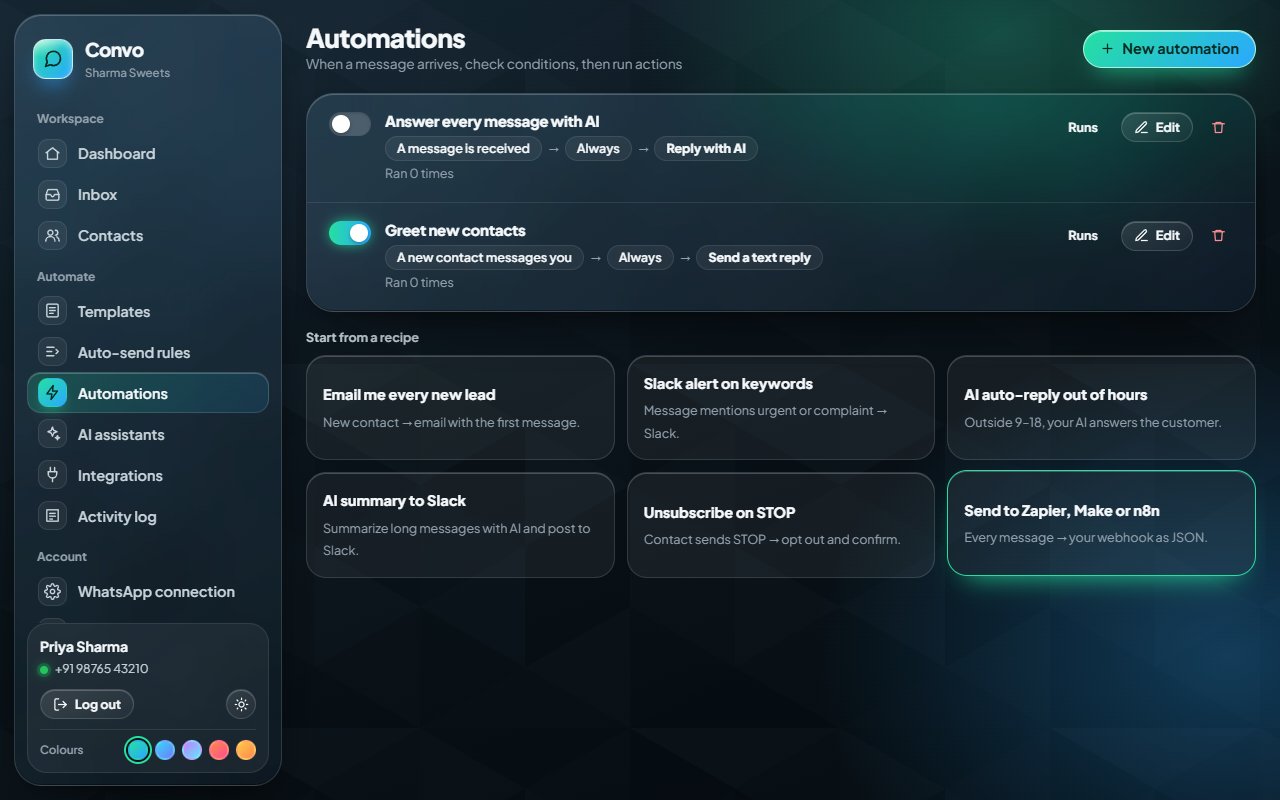
Automations: When → If → Then
For more advanced workflows, automations run a chain of actions. Each automation has three parts:
- When: a message is received, a new contact writes in, or nobody has replied for N hours.
- If (optional): the message contains a keyword, the contact has a tag, or it’s outside office hours.
- Then: reply with text, a template or AI; send an email; post to Slack; call a webhook; update a field; add or remove a tag; or opt the contact in or out.
WhatsApp AI chatbot with your own GPT, Claude or Gemini key
Convo doesn’t lock you into one AI provider or charge extra for AI. You add your own API key from OpenAI, Anthropic, Google Gemini or any OpenAI-compatible service, choose a model, and write instructions covering who the assistant is, what you sell, your hours and prices, and what it must never promise.
Your assistant then works in three places:
- AI suggest in the inbox, for drafts you review before sending.
- Reply with AI in automations, for fully automatic answers.
- Generate text with AI in automations, for example to summarise long messages for Slack.
Switch on Answer every message with AI to have your WhatsApp answer customers around the clock.
Integrations and a transparent activity log
Connect Gmail, SMTP, Slack or any webhook so the right people hear about important messages. The Activity log records every rule and automation run as success, failed or skipped, along with the reason, so you can see exactly why something did or didn’t happen.
Your colours, light or dark
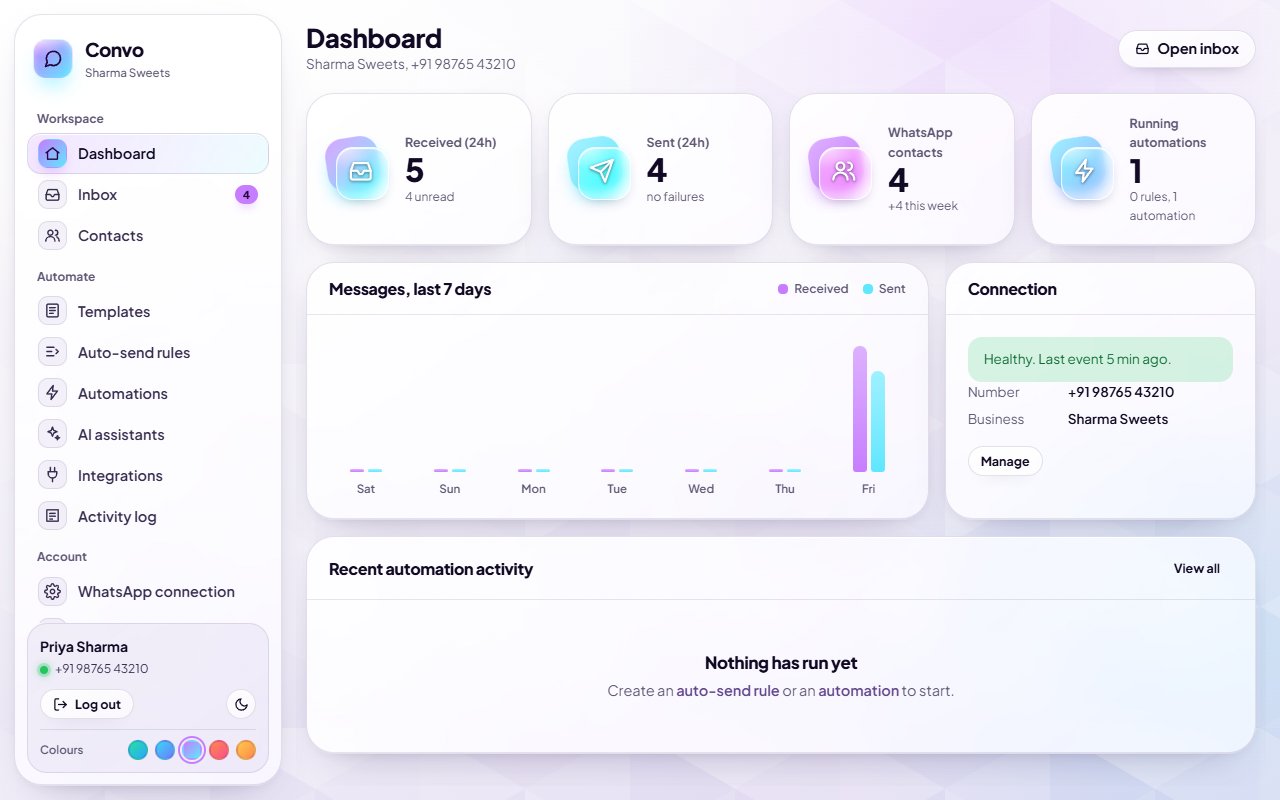
Pick from five colour themes (Emerald, Ocean, Violet, Sunset and Gold) and switch between dark and light mode with one click.
Built for teams and agencies
Administrators get an Admin panel showing every user on the platform, their status, connected WhatsApp number, 30-day message volume and last activity. They can create users, stop or resume accounts, reset passwords, close public sign-up, or require an invite code.
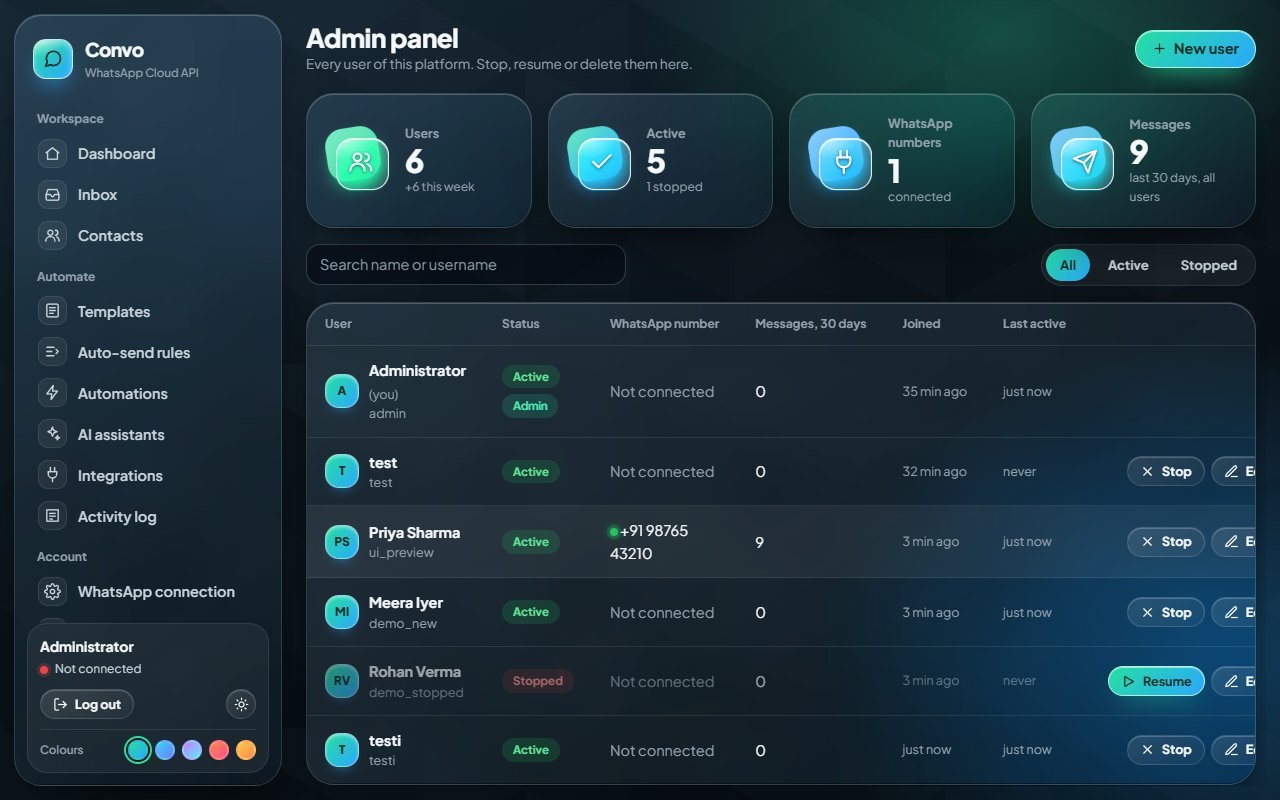
Privacy is built in. Each account is private, and administrators can’t read another user’s conversations, contacts or credentials.
Best practices for WhatsApp automation
- Only message people who expect to hear from you, and respect opt-outs. WhatsApp can limit numbers that get reported.
- Keep automatic replies short and useful, and limit how often one person receives them.
- Test every new rule with Test against a contact before switching it on.
- Give your AI assistant clear instructions, and review its first replies in the inbox.
Frequently asked questions
Can I use my existing WhatsApp Business number?
Yes. Convo works with your own number through Meta’s official WhatsApp Cloud API. The number must not be active in the WhatsApp or WhatsApp Business app on a phone at the same time.
Do I need to pay for AI separately?
Convo doesn’t include an AI subscription. You add your own key and pay your AI provider directly, so you control both the model and the cost.
Can I still reply manually?
Always. Automations and AI work alongside you. You can step into any conversation, and you can opt individual contacts out of automated messages.
Does Convo work with Zapier, Make or n8n?
Yes. A webhook action sends every message as JSON to Zapier, Make, n8n or any URL you choose.
Let your WhatsApp answer on its own
Connect your business number once. From then on, Convo greets new contacts, replies with AI, follows up automatically and keeps every conversation in one place, so you can spend your time running the business instead of answering the same questions.
2 comments